Swagger Tags
Tags allow you to group operations into general categories. In the user interface, these can be expanded/collapsed by clicking on the tag sections.
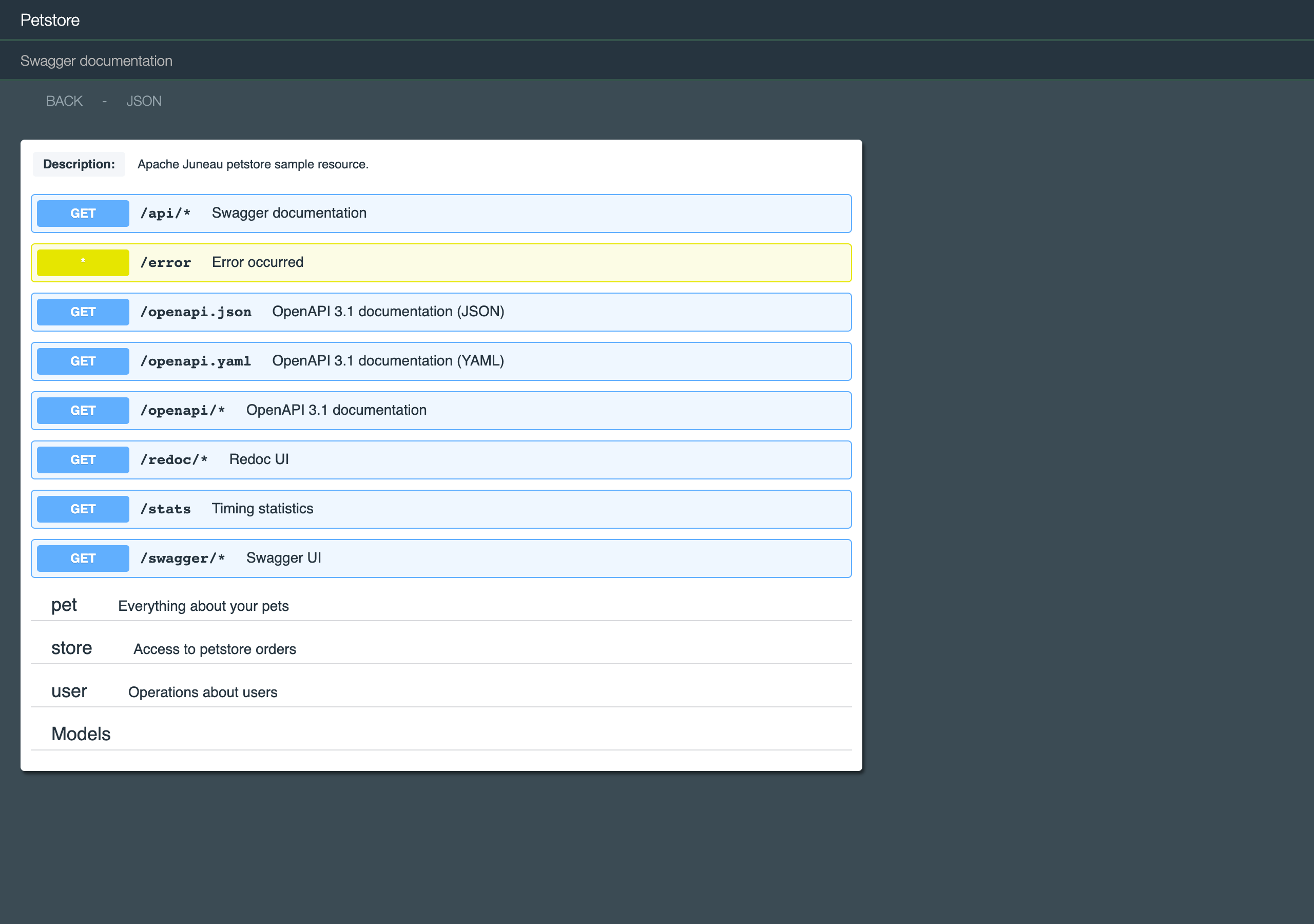
The Petstore sample groups its operations under pet, store and user tags. In the example below, the three tag
sections and the Models section have been collapsed, leaving the untagged operations at the top:
Tags are also defined in the @Swagger annotation.
The following continues the illustrative MyResource example from the previous section. The real PetStoreResource
(juneau-petstore-core) declares the same three tags with the annotation-only approach shown further down:
MyResource.json
"tags": [
    {
        "name": "pet",
        "description": "Everything about your Pets",
        "externalDocs": {
            "description": "Find out more",
            "url": "http://juneau.apache.org"
        }
    },
    {
        "name": "store",
        "description": "Access to Petstore orders"
    },
    {
        "name": "user",
        "description": "Operations about user",
        "externalDocs": {
            "description": "Find out more about our store",
            "url": "http://juneau.apache.org"
        }
    }
],
The annotation-only approach is shown here:
MyResource
swagger=@Swagger(
    ...
    tags={
        @Tag(
            name="pet",
            description="Everything about your Pets",
            externalDocs=@ExternalDocs(
                description="Find out more",
                url="http://juneau.apache.org"
            )
        ),
        @Tag(
            name="store",
            description="Access to Petstore orders"
        ),
        @Tag(
            name="user",
            description="Operations about user",
            externalDocs=@ExternalDocs(
                description="Find out more about our store",
                url="http://juneau.apache.org"
            )
        )
    }
),
Tags are associated with operations using the @OpSwagger(tags) annotation:
GET /users operation
@RestGet(
    path="/users",
    summary="Petstore users",
    swagger=@OpSwagger(
        tags="user"
    )
)
public Collection<User> getUsers() {...}
Operations can be mapped to multiple tags.
Tags are optional.
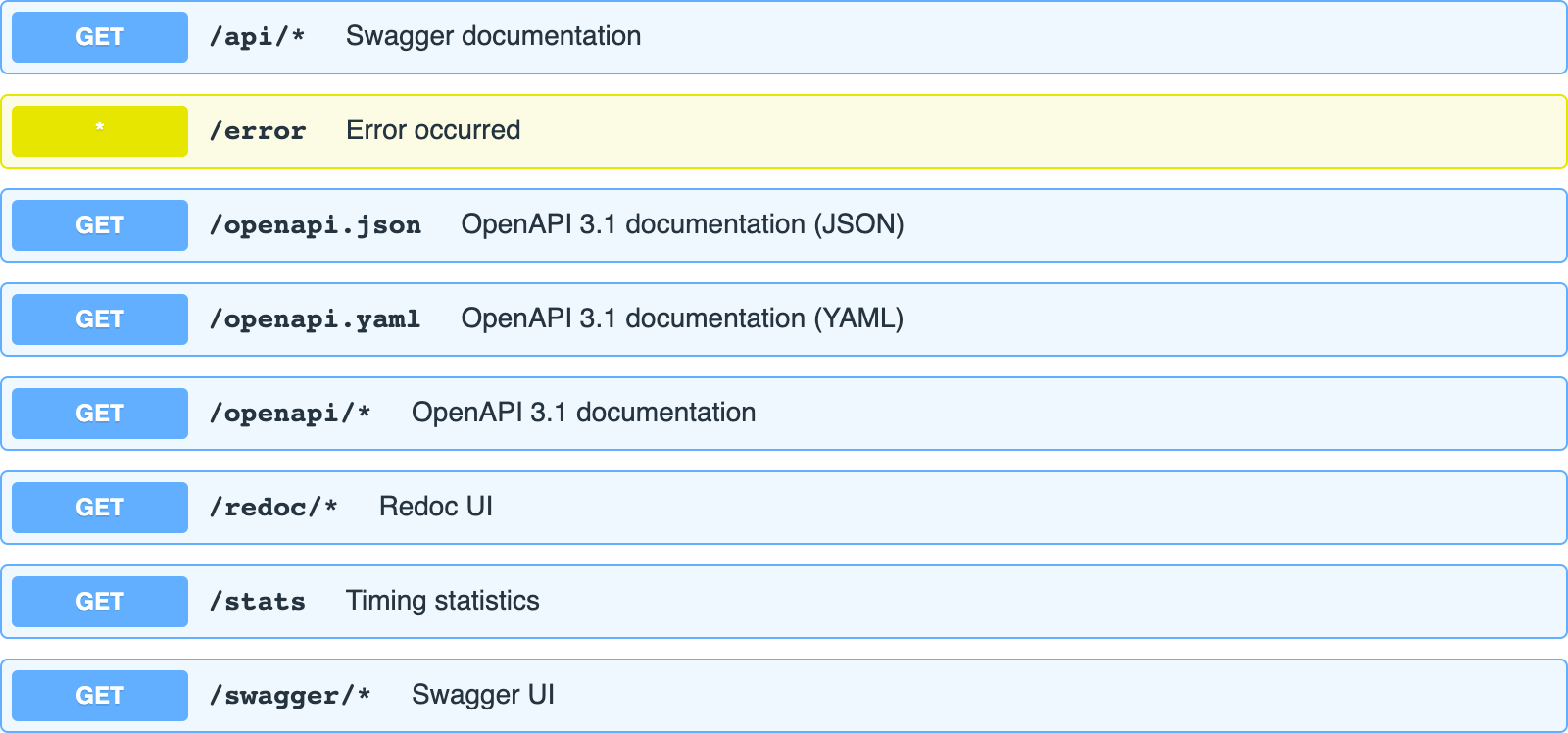
Operations not mapped to tags are listed in the UI before tagged operations, so they show up at the top of the page.
In the Petstore these are the built-in endpoints (such as /api/* and /stats) inherited from BasicRestServlet: