Swagger
A REST resource can generate Swagger JSON and a Swagger UI page from its own annotations, so the interface documents itself at runtime.
When to use it
One of the most useful features of Juneau is the ability to generate Swagger-based OPTIONS pages for self-documenting designs (i.e. REST interfaces that document themselves).
See the guide: Generate OpenAPI docs for your API
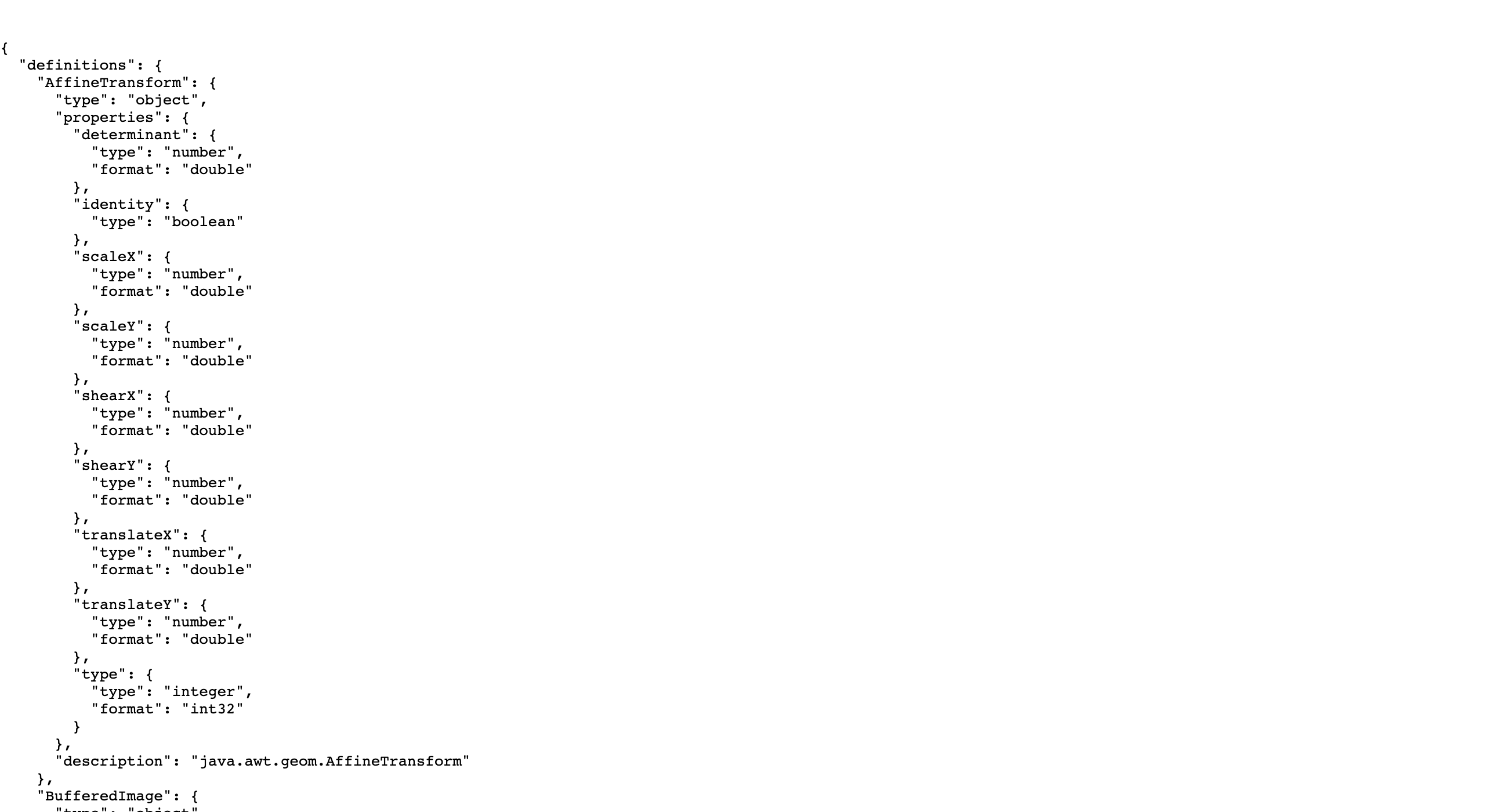
As described previously, the PetStore example provides an example of auto-generated Swagger JSON:
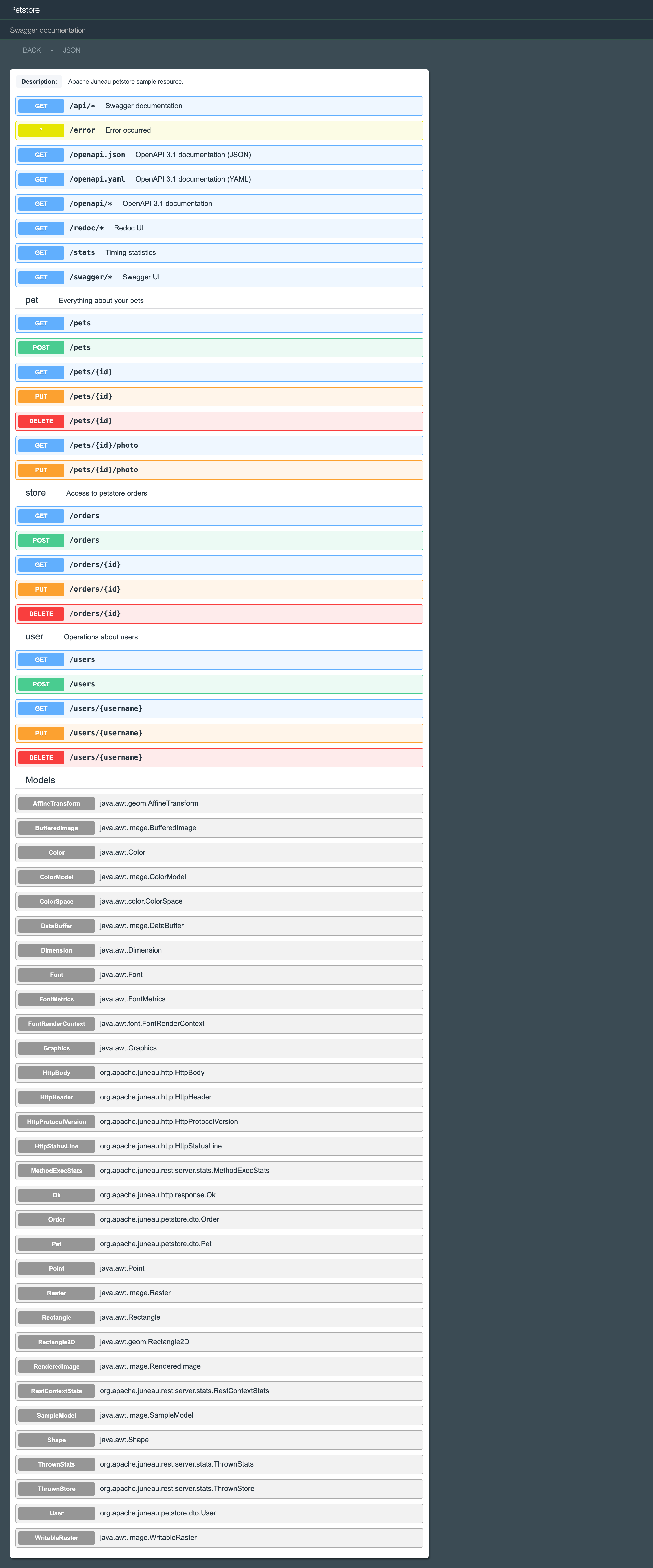
Using SwaggerUI, we're able to render that JSON as a Swagger user interface:
Example
A resource declares its API-level information with @Rest(swagger=@Swagger(...)) and adds per-operation details with @OpSwagger.
Any subclass of BasicRestServlet serves the generated documentation from its /api and /swagger endpoints.
import java.util.*;

import org.apache.juneau.rest.server.*;
import org.apache.juneau.rest.server.servlet.*;

@Rest(swagger=@Swagger(title="Pet Store", version="1.0.0"))
public class PetStoreResource extends BasicRestServlet {

    @RestGet(path="/pets", summary="All pets in the store", swagger=@OpSwagger(tags="pet"))
    public List<String> getPets() {
        return List.of("Fluffy", "Rex");
    }
}
Options
| Where | What it defines |
|---|---|
| @Rest(swagger) | API-level information: title, version, description, contact, license, terms of service and tags. |
@RestOp(swagger) and the @RestGet, @RestPost family | Operation tags, summary, description, parameters, responses and deprecation. |
| @Response | Responses defined by an exception or response bean. |
Swagger operations
@RestOp-annotated methods automatically get rendered as Swagger operations.
The following shows the annotations defined on the GET /pets operation. The real PetStoreResource (juneau-petstore-core)
doesn't currently add @OpSwagger tags to this method, so tags="pet" below is illustrative of how you'd add them:
PetStoreResource.getPets()
@RestGet(
    path="/pets",
    summary="All pets in the store",
    swagger=@OpSwagger(
        tags="pet",
        ...
    ),
    ...
)
public Collection<Pet> getPets() {
    return store.getPets();
}
Methods marked as deprecated will show up as deprecated in the Swagger UI:
Deprecated operation example
@RestGet(
    path="/pets/legacySearch",
    summary="Legacy pet search (use query parameters on GET /pets instead)",
    ...
)
@Deprecated
public Collection<Pet> legacySearch(...) {
    ...
}
Swagger responses
Under the input parameters are listed the possible responses for the resource.
The 200 response is determined by the return type on the method, in this case a collection of Pet objects:
@RestGet(
    path="/pets",
    summary="All pets in the store",
    ...
)
public Collection<Pet> getPets() {
    return store.getPets();
}
Note that additional responses can be specified by throwing exceptions annotated with the @Response annotation such as this one:
@Response
@StatusCode(406)
@Schema(description="Not Acceptable")
public class NotAcceptable extends BasicHttpException {...}
Like input parameters, the Swagger for responses can be define in multiple locations such as:
Swagger stylesheet
The look-and-feel of the Swagger UI is controlled via a single CSS file: SwaggerUI.css.
In the microservice template, this file is located in the files/htdocs/styles directory.
It's a simple straightforward file consisting of less than 350 lines.
This file can be modified to change the look-and-feel of your Swagger UI.
See also
In This Section
📄️ 3.3.28.1. BasicRestServlet/BasicRestResource Swagger and OpenAPI 3.1
Migrating from 9.4.x? The @Rest(apiFormat=…) annotation member, the
📄️ 3.3.28.2. API-Docs Mixin Pack
The Juneau REST server ships with a four-class api-docs mixin pack in
📄️ 3.3.28.3. Basic Swagger Info
Let's look at the various parts of the Petstore application Swagger UI to see how they are defined.
📄️ 3.3.28.4. Swagger Tags
Tags allow you to group operations into general categories.
📄️ 3.3.28.5. Swagger Parameters
Expanding operations shows you a list of parameters.
📄️ 3.3.28.6. Swagger Models
Examples on this page using @HookEvent(INIT) or RestContext.Builder is pre-10.0 and kept only