How non-committers can contribute code
This guide is for those who are new to Juneau and want to contribute code, specifically those who do not have write access to our repositories. All active development happens in a single GitHub repository, https://github.com/apache/juneau, split across two branches:
master- the Java source code (core libraries, REST server/client, examples, etc.)docs- the Docusaurus documentation site (this site) underpages/
The legacy https://github.com/apache/juneau-website repository is no longer the live site and should not be used for new contributions.
Step-by-step guide
-
Create a fork of https://github.com/apache/juneau - the fork button is in the top right corner

-
Clone your fork of the repository locally, and check out the
masterbranch for code changes or thedocsbranch for documentation changes -
Make changes to your local clone. If you haven't already, search GitHub Issues for an existing issue or open a new one describing the problem you're fixing or the feature you're adding
-
Commit them locally, using a clear, descriptive commit message that summarizes the change; reference the GitHub issue number if one exists, e.g.
"Fix NullPointerException in JsonSerializer (#123)" -
Push these changes to your fork
-
Navigate back to your fork or to our github repositories and you'll see an option to create a new pull request.
-
Click on the blue link "Pull request" to bring up the create pull request screen.
-
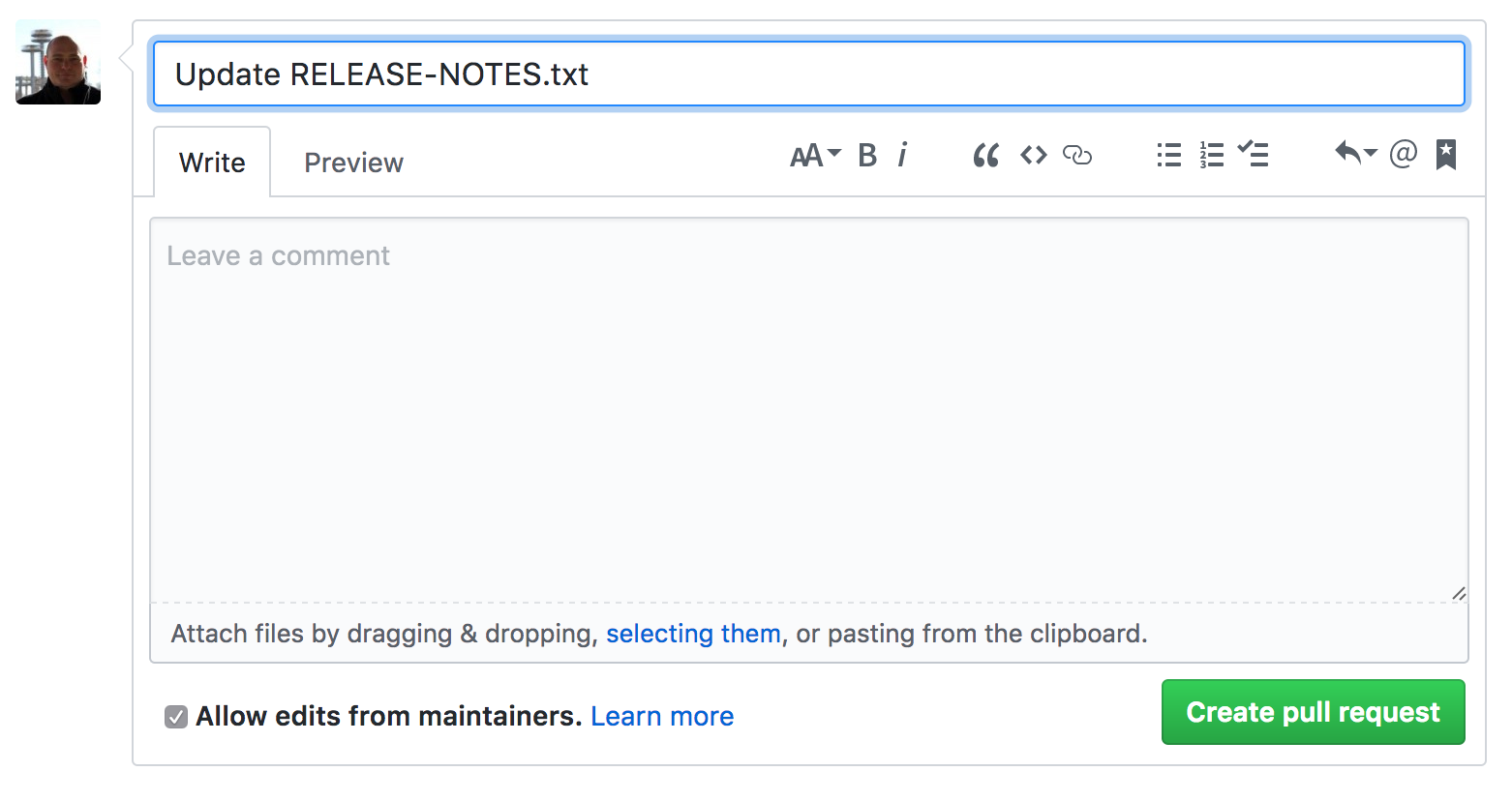
After you've filled out a title and description, click on the green "Create pull request" button.